
Use this guide to sign in to RotaMaster using the email address linked to your account.
This guide is only relevant if you have moved to the new Rotamaster, please get in touch with your customer success manager to find out more.
Sign in to RotaMaster
1. Open RotaMaster
Open the RotaMaster web address https://app.rotamasterweb.co.uk/. The RotaMaster sign-in page will appear.
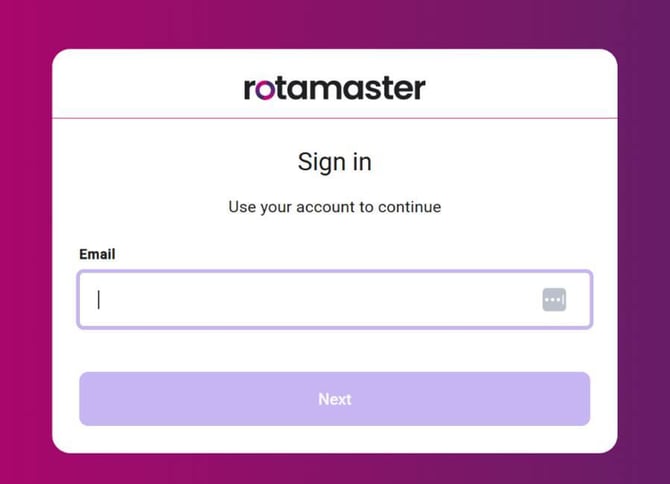
2. Enter your email address
Enter the email address linked to your RotaMaster account, then select Next. RotaMaster will use your email address to identify the sign-in options available for your account.
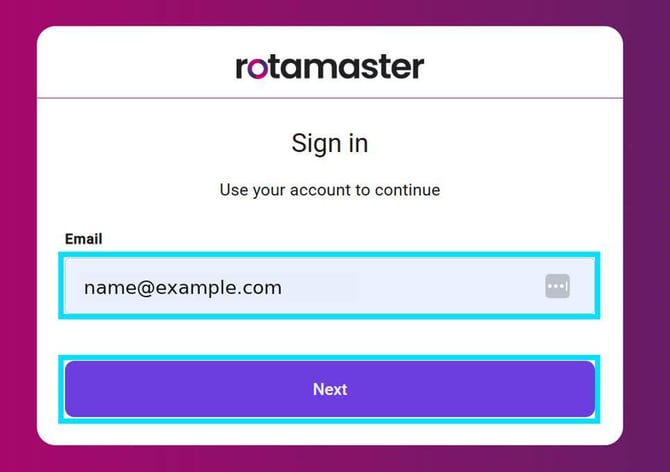
3. Complete your sign-in
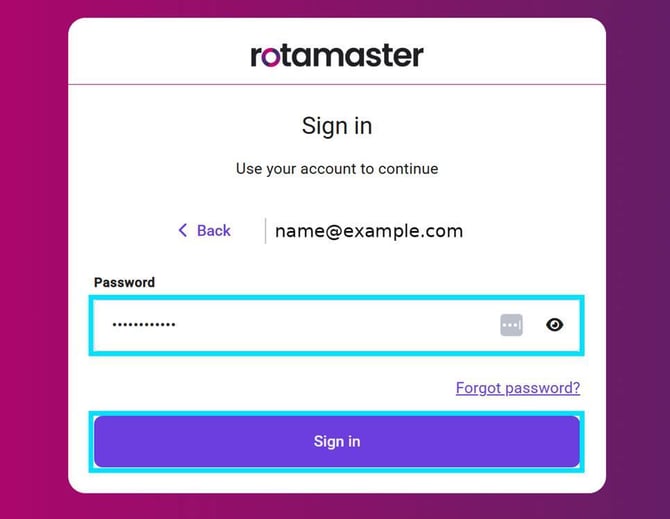
Using a RotaMaster password
Enter your password and select Sign in. To change the email address you entered, select Back. To reset your password, select Forgot password?
Using Microsoft sign-in
If RotaMaster directs you to Microsoft after you enter your email address, follow the Microsoft sign-in prompts. If asked, complete the additional security check, also called multi-factor authentication (MFA).
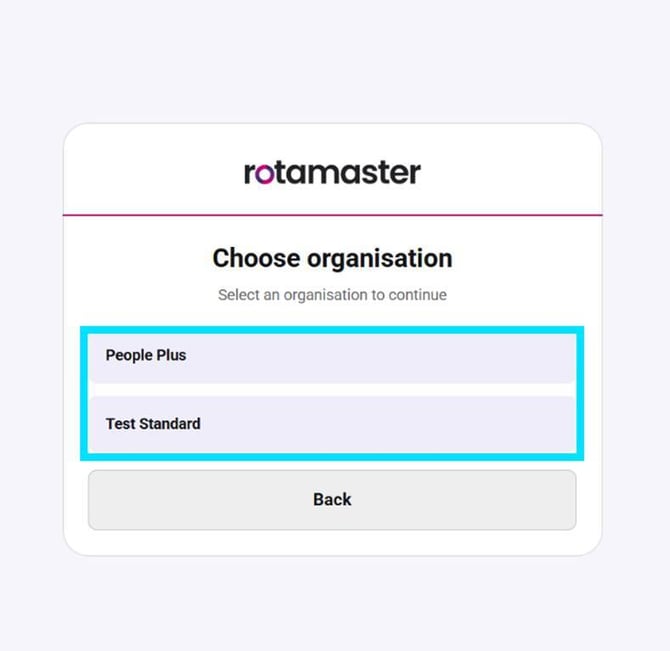
Logging into multiple organisations
If your account can access more than one RotaMaster organisation, the Choose organisation screen will appear. Select the organisation you want to open. If your account only has access to one organisation, you may not see this screen.
Production and Beta systems
Production is your live system. Beta is a test system. These use separate RotaMaster web addresses. If the organisation you expect is missing, check that you opened the address provided for the system you need.
RotaMaster opens
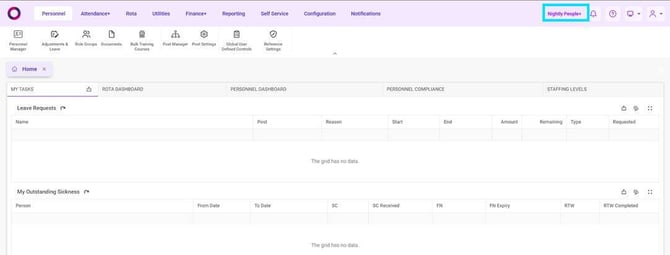
After sign-in is complete, RotaMaster V8 will open for the organisation you selected. You can see the organisation you are currently using in the top-right of RotaMaster.
Need help?
If you cannot sign in after checking your email address, password, and RotaMaster web address, contact your RotaMaster administrator or RotaMaster Support.